
 Čeština
  Dansk
Dansk  Deutsch
  English
  English (US)
  Español
  Français
  Italiano
  Magyar
  Nederlands
  Norsk
Norsk  Polski
  Português
  Português (BR)
  Română
  Suomi
Suomi  Svenska
  Tiếng Việt
  Türkçe
  Ελληνικά
  Български
  Русский
  Українська
  ไทย
ไทย  日本語
日本語  한국어
한국어 
How to keep data safe
from hackers on vacation
On vacation people are often careless – and that is exactly what attackers count on.
How to protect your data while travelling, without being an IT professional.
When on vacation, people are often careless and not so attentive when it comes to cybersecurity. But there are ways to successfully protect yourself from data theft, and you don't have to be an IT professional to do it.
Who doesn't know how it is to check their emails or account balance while travelling. It's easy nowadays thanks to a wide range of smartphone apps. And since you don’t incur any unnecessary costs abroad, you’re more than happy to use the free Wi-Fi in the hotel, restaurant or cafe.
For many people, access to the Internet via a free hotel Wi-Fi is now an important criterion, or even essential, when choosing a vacation destination.
When you move into your room, one of the first things you do is set up and activate the hotel Wi-Fi. This usually goes quickly, select the correct network and you are already in the World Wide Web, this often without being asked to enter a password. The correct network is often recognised by its name, such as the name of the hotel, but names like "Guest" are also common. And since you are already looking forward to the pool or the beach, you don’t have much time to check the name of the access point careful enough.
Unfortunately, cybercriminals are aware of this very fact. For them, it is enough to set up their own hotspot in the neighborhood of the hotel, with a comprehensible name for the unsuspecting hotel guest. From then on, everything is easy for the criminals, from logging into email and social media accounts to passwords for online banking, they can now easily track, store and use everything for abuse.
Hotel servers are often hacked
But this approach is also popular at airports, restaurants and cafes. Unfortunately, in hotels, cybersecurity is often a stepchild that is neglected, there are several examples in which even at well-known hotel chains their hotel software and servers were hacked and customer data, credit card numbers, etc. were captured.
It is therefore no surprise that hotels are disproportionately affected by such cyber attacks.
Recommendations for better vacation data security
Thereby, there are simple and effective measures against the theft of your data by pretend hotel Wi-Fi. First of all, check carefully whether you have really selected the correct, official Wi-Fi of the hotel and use online banking best via a mobile connection (roaming), especially within the EU this is no longer an immense cost factor as in the past.
If you absolutely want to use online banking or access other security- and data-critical apps during your trip, such as email, online shopping or social media applications, you are well advised to install and set up VPN software at home before you leave.
VPN stands for "Virtual Private Network". Virtual Private Network means simplified: Your Internet connection is established via a server of the VPN service - comparable to a virtual tunnel - to the website you are visiting. The data transmitted from your computer or smartphone to the target server is sent through the established VPN tunnel to the VPN endpoint of the VPN provider. There, the data packets are anonymized and forwarded to the destination server.
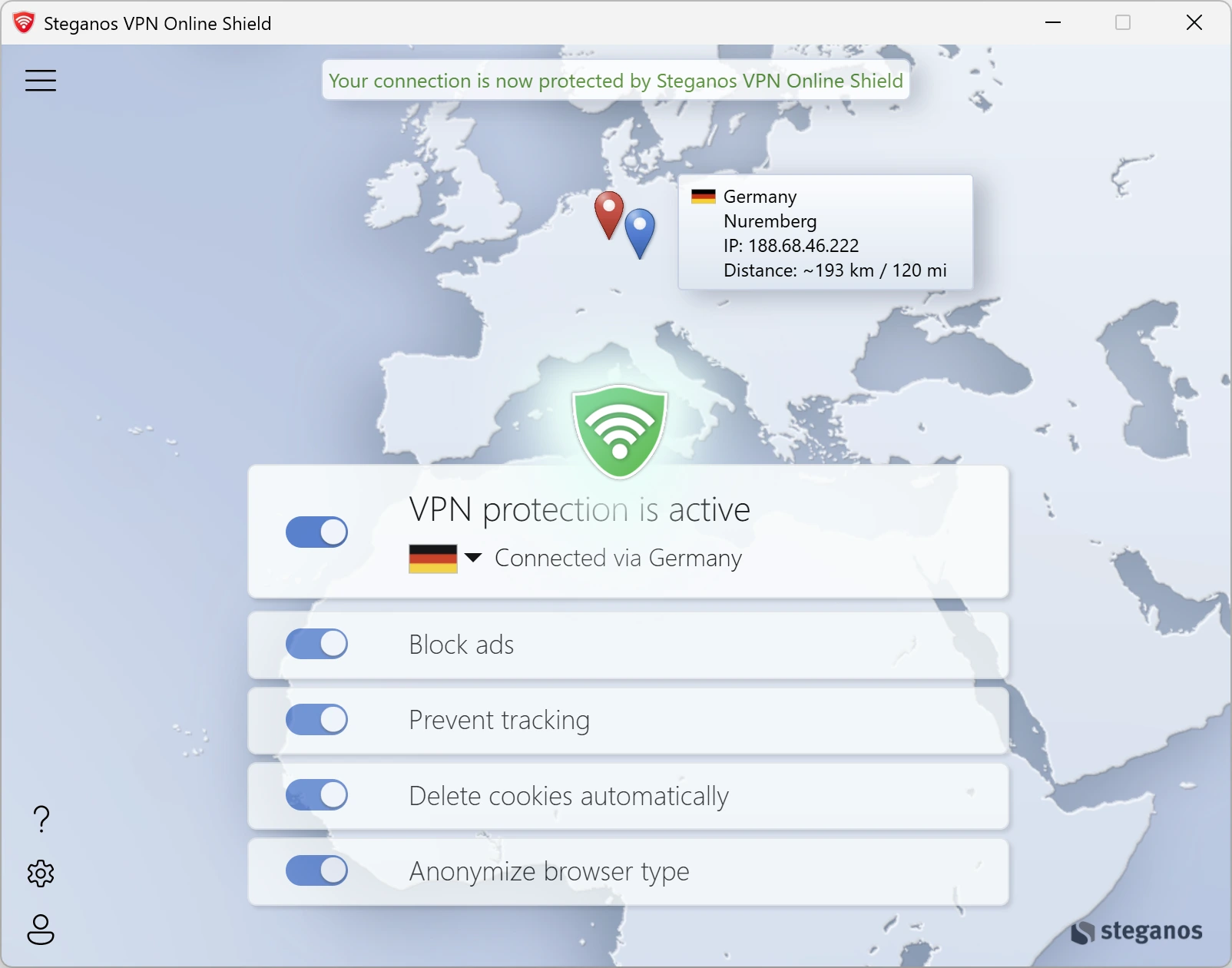
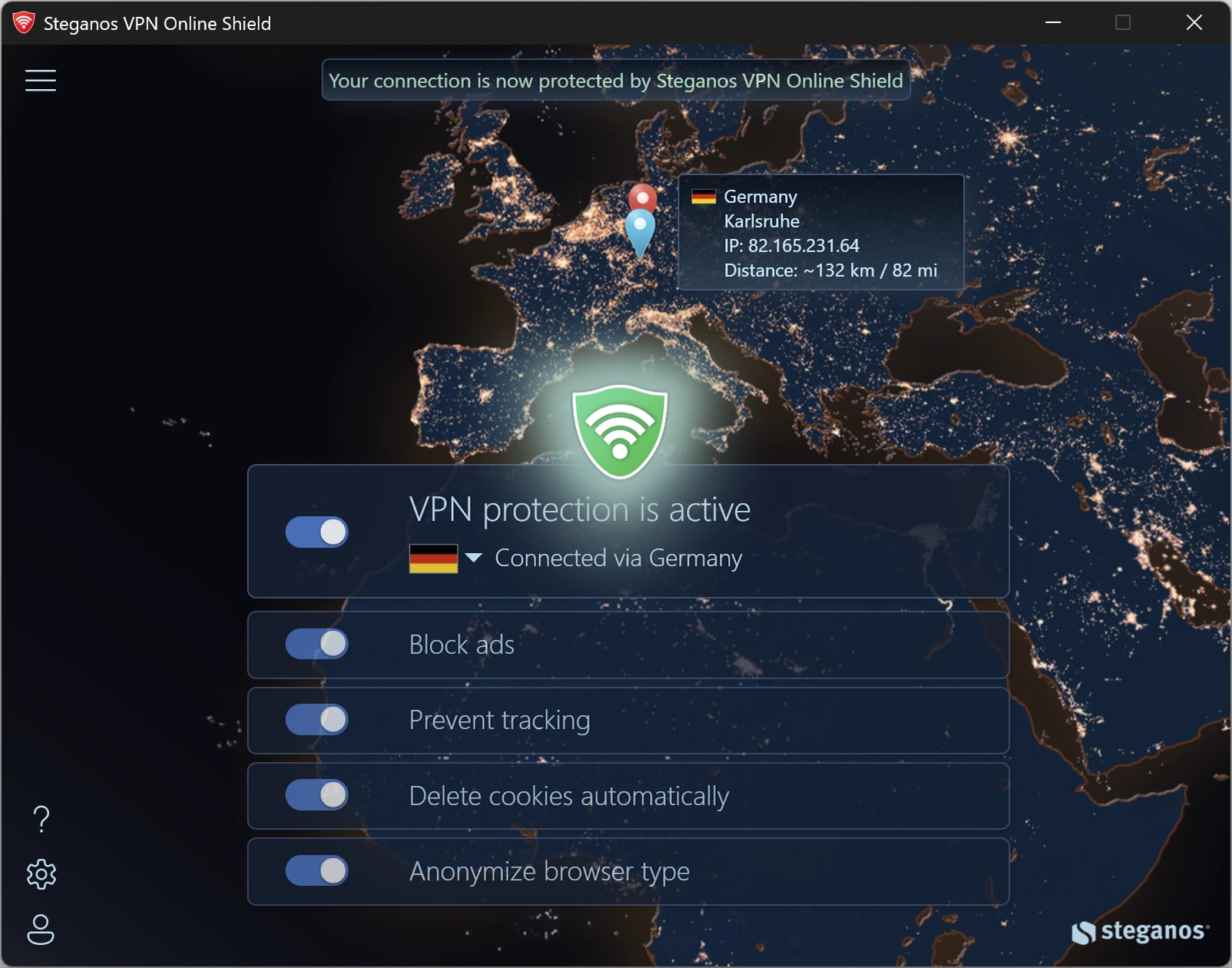

 Steganos®VPN Online Shield
Fully protects your devices – not just in the browser, but system-wide.
- ✓Encrypts your entire connection
- ✓Hides your real IP address
- ✓256-bit AES encryption
- ✓Servers in many countries, switch with one click
- ✓7 days unrestricted, no subscription
More Tips & Hints

What is geoblocking and how you can get around it
Why some content is blocked abroad, how the block works technically and what a VPN changes about it.
Read on →
Why the Recycle Bin is not enough to securely delete your data
Deleted is not gone: what really happens when you empty the Recycle Bin and how to remove files so that they cannot be recovered.
Read on →
How to use the Password Manager on iOS and Android devices
Step by step: install the app, synchronise your keychain via the cloud and have your passwords at hand on the go as well.
Read on →