
 Čeština
  Dansk
Dansk  Deutsch
  English
  English (US)
  Español
  Français
  Italiano
  Magyar
  Nederlands
  Norsk
Norsk  Polski
  Português
  Português (BR)
  Română
  Suomi
Suomi  Svenska
  Tiếng Việt
  Türkçe
  Ελληνικά
  Български
  Русский
  Українська
  ไทย
ไทย  日本語
日本語  한국어
한국어 
The most common mistakes when using passwords and how to avoid them
Birth dates, family names, the same password for every account:
the typical patterns that make an attacker’s work easy – and how to avoid them.
- Using passwords with a personal reference, e.g. birth dates, family names, hobbies - attackers can find out these personal details, e.g. with research in social media, and thus attack your accounts.
- Too simple passwords, e.g. simple words - with so-called dictionary attacks, which can try through a lot of known words very quickly, your password is guessed in no time.
- Even inserting special characters or numbers into known words does not protect - attackers know these tricks too, of course, and try typical combinations quickly.
- Changing passwords too often - many people tend to use simple passwords in these cases and vary them slightly each time they change
- Remembering passwords in the browser or simply always staying logged in - if you ever leave your computer unattended in cafes, for example, or if it is even stolen from you, attackers who get to your computer may quickly be in your important accounts.
- Using the same password for several or even all accounts - if one of your accounts is compromised, in this case all other accounts are quickly at risk as well.
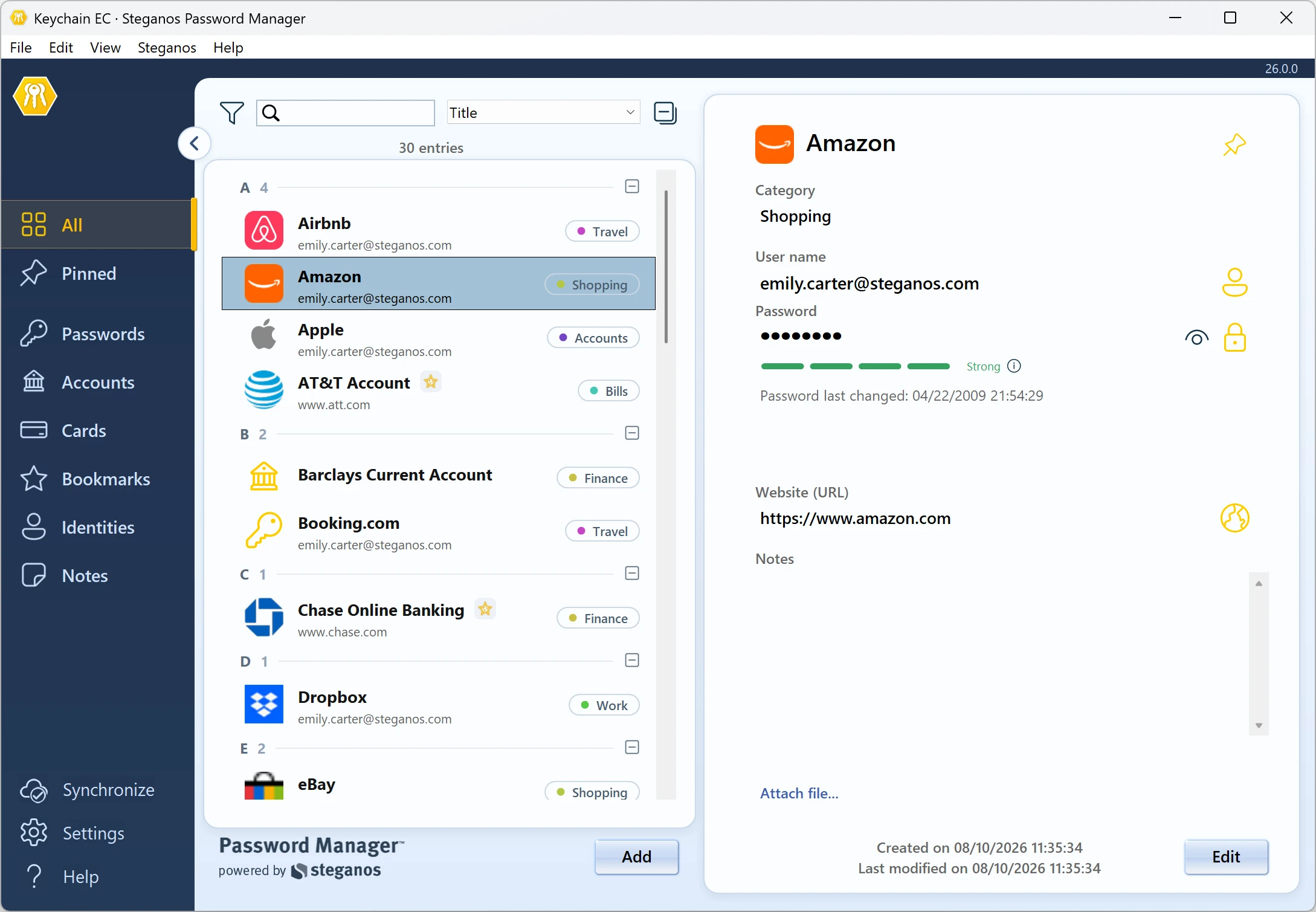
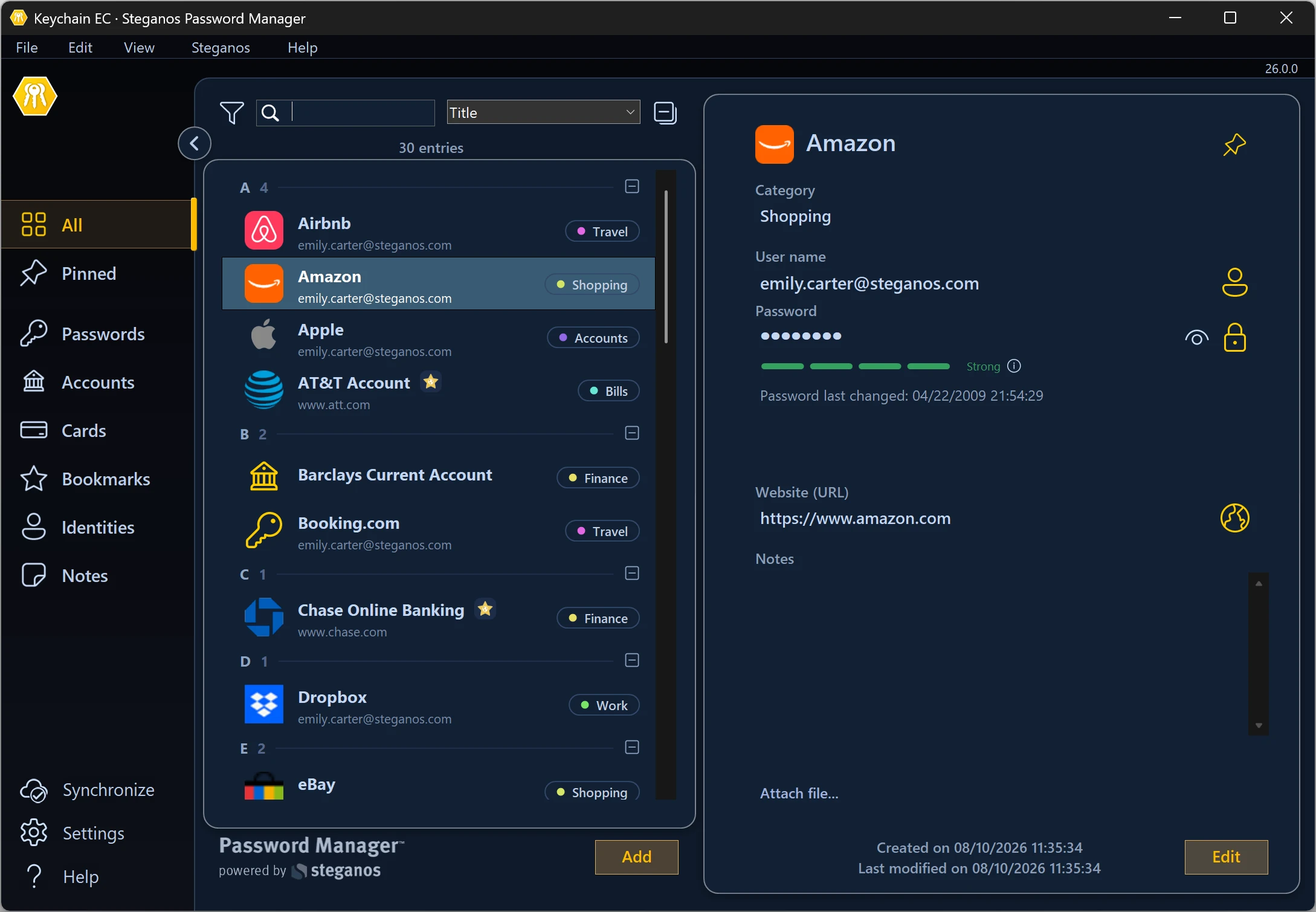
A great help to avoid these problems are so-called password managers, such as Steganos Password Manager. With these, you can create a secure database of your passwords, secured by a single, strong password that you remember.
Passwords are requested only when needed and cannot be easily used without active action on your part at your PC. Since you only need to remember one password and the password manager creates strong, complex passwords for each account at the touch of a button, you avoid the typical mistakes and can also quickly replace compromised passwords with a new, strong password if needed.
Your passwords will also be safe in case your PC is lost, because without the secure master password that only you know, no one can access your password database.
In addition to using a password manager, it is recommended to enable and use secure two-factor authentication where possible, as this is yet another security factor that attackers will have to overcome even if your password is guessed or hacked in some way.
It is also a good idea to regularly check your PC for malware, because if your PC is compromised by Trojans or something similar, unfortunately even the best password won't help.
 Steganos®Password Manager
A strong password is the start. Remembering all of them is the real task.
- ✓All your passwords safe in one place
- ✓Automatic filling in browsers and apps
- ✓Access from PC, smartphone and tablet
- ✓256-bit AES encryption
- ✓30 days unrestricted, no subscription
More Tips & Hints
Important reasons for encryption
Since the GDPR and the rise of the home office, data encryption is no longer a specialist topic. Which data is encrypted most often – and why.
Read on →
Should you always keep your VPN active?
A VPN protects your privacy – but it can also get in the way. When to leave it active and when it makes sense to switch it off for a while.
Read on →
Encryption and strong passwords
The two building blocks digital privacy rests on – explained compactly, with the most common mistakes and practical countermeasures.
Read on →